ProBackup · Productivity Guide
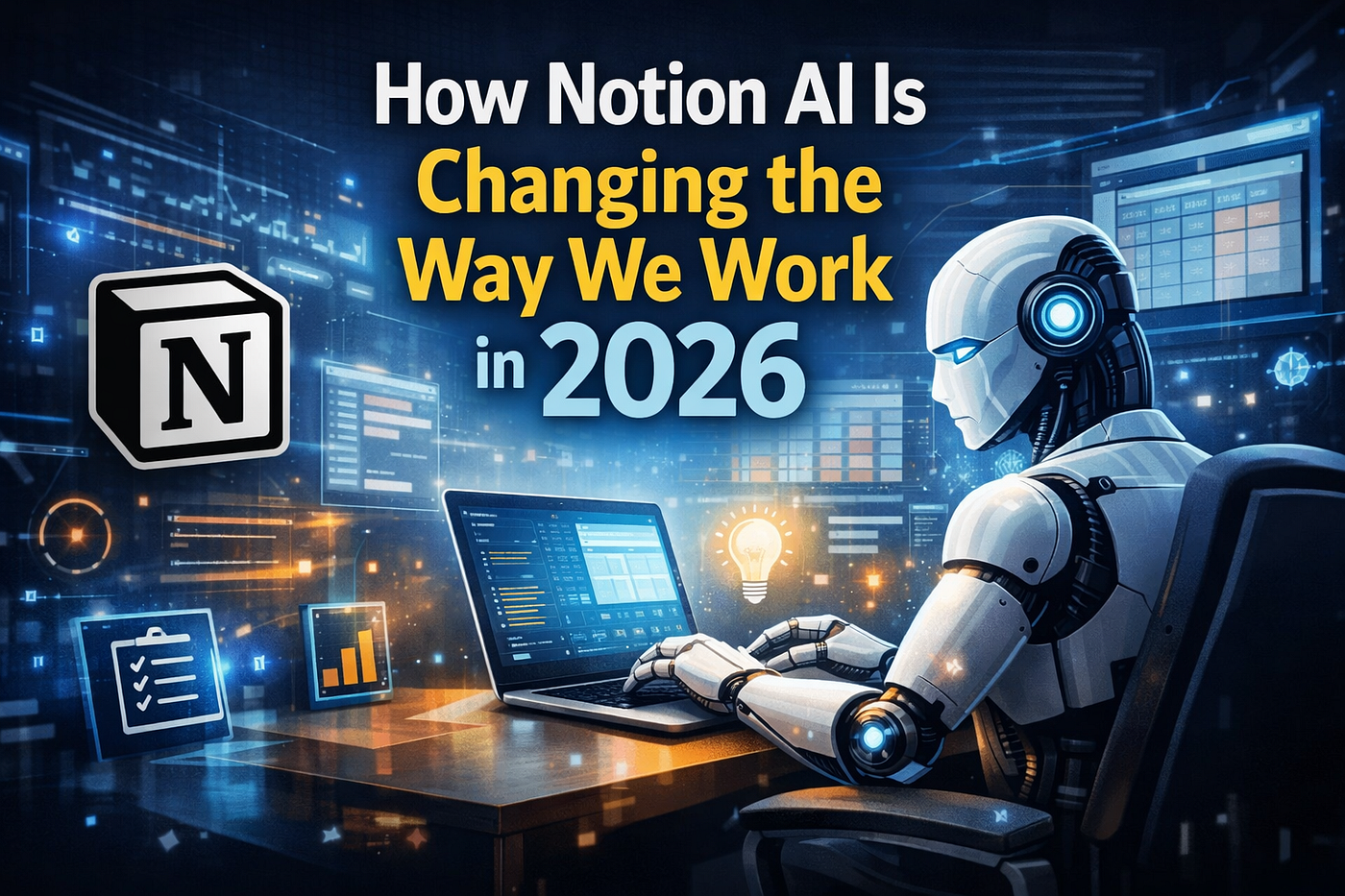
How Notion AI Can Boost Your Productivity in 2026
A practical, no-fluff look at how Notion AI and the brand-new Notion Agents are reshaping the way teams write, plan, and get work done this year.
Getting Started
What Is Notion AI?
At its core, Notion AI is a built-in assistant that lives inside your Notion workspace instead of asking you to jump to a separate tab. It reads the context of the page you're on, understands your databases, and responds in a way that feels like a coworker who has already skimmed every doc you own. You don't need a separate AI writing tool subscription just to draft, summarize, or clean up your notes anymore.
What makes it different from a plain chatbot is memory of place. Ask it to summarize a meeting note and it already knows which meeting note you mean, because you're sitting inside it. That single detail removes a huge amount of copy-paste friction that used to eat up people's mornings.
Core Capabilities
What Can Notion AI Help You With?
The honest answer is: more than most people expect. Once you start using it daily, it quietly becomes part of your workflow automation rather than a novelty feature.
Writing & editing — drafts blog posts, fixes tone, shortens rambly paragraphs, translates text on the spot.
Summarizing — condenses long meeting notes, PDFs, or entire pages into a few clean bullet points.
Brainstorming — generates outlines, project names, or angles when you're staring at a blank page.
Data cleanup — auto-fills database properties, tags entries, and organizes messy tables.
Where It Lives
Where Can You Use Notion AI?
You'll find the assistant almost everywhere inside the app: inside any page as an editor command, inside Notion databases for auto-filling properties, inside the sidebar as a standalone chat, and inside Notion's mobile and desktop apps alike. There's also a dedicated Notion AI search that pulls answers from across your entire connected workspace, including linked tools like Slack or Google Drive if you've connected them.
This spread matters because it means you're never more than a keyboard shortcut away from help, whether you're planning a sprint, writing a proposal, or just trying to remember what was decided in last Tuesday's call.
2026 Headline Feature
The Biggest AI Feature Update: Notion Agents
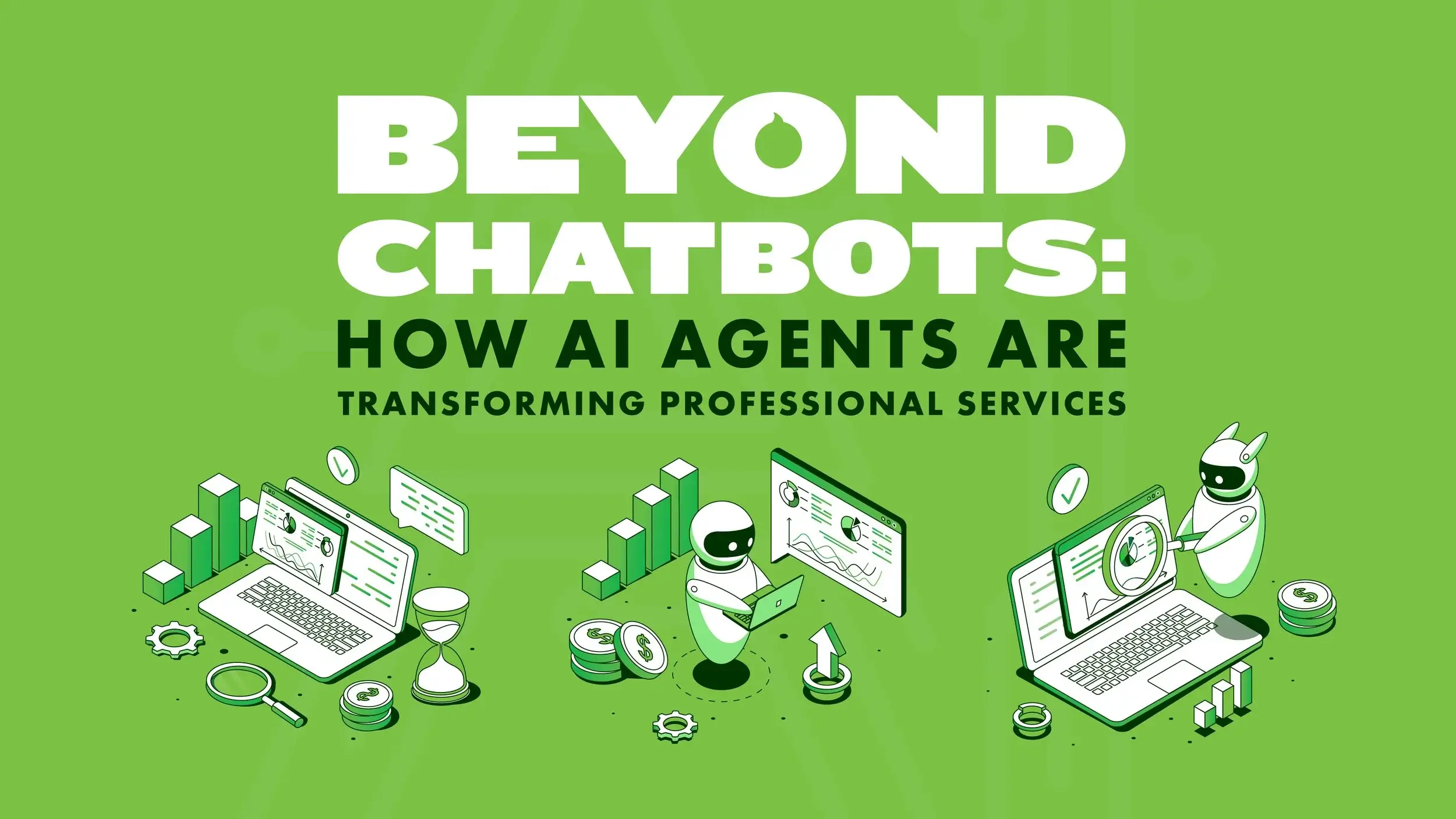
Notion Agents are the single biggest reason people are re-evaluating Notion in 2026 — they don't just answer questions, they complete multi-step tasks on your behalf.
Unlike earlier versions of the assistant that mostly reacted to a single prompt, Notion Agents can string together several actions: researching a topic, drafting a page, updating a database, and notifying a teammate, all from one instruction. Think of it less like autocomplete and more like a junior teammate who can be handed a task and left to finish it while you focus elsewhere.
You can also give an agent a recurring job, such as compiling a weekly summary every Friday, so it runs quietly in the background without you lifting a finger.
Setup
How to Access Notion AI: 3 Methods
- Inline command: type
/aior press Space on an empty line inside any page to open the writing menu instantly. - Highlight & ask: select existing text and a floating toolbar appears, letting you rewrite, translate, or shorten it on the spot.
- Sidebar assistant: click the AI icon in the left sidebar to open a full chat window that can search your entire workspace for answers.
All three methods tap into the same underlying model, so the "right" way to access it really just comes down to whichever fits your current task best.
Prompting
How to Write a Prompt That Gets Good Results
Good prompt engineering inside Notion follows the same basic rules as any AI tool, with one bonus: you can point directly at existing content instead of retyping context.
- Be specific about the output format: "bullet list," "three paragraphs," "table with two columns."
- Name your audience: "explain this to a new hire" gets a very different result than "explain this to the engineering lead."
- Reference the page directly: "summarize this doc in five bullets" works better than a vague, standalone request.
- Iterate instead of starting over — ask it to "make this shorter" or "add more detail to point two" rather than rewriting your whole prompt.
Comparison
Notion AI vs. Other AI Writing Tools
| Feature | Notion AI | Standalone AI Tools |
|---|---|---|
| Context awareness | Reads your existing pages automatically | Usually needs manual copy-paste |
| Database actions | Fills and edits properties directly | Rarely supported |
| Multi-step agents | Yes, via Notion Agents | Varies by tool |
| Extra subscription | Bundled with paid plans | Often separate cost |
The tradeoff is flexibility: dedicated AI writing tools sometimes offer deeper customization for a single niche task, like long-form SEO content or code generation, while Notion AI wins on convenience because it never leaves your existing notes.
Cost
Pricing: What Plan Do You Need for AI?
Notion's pricing plans have shifted a few times, so it's worth checking the current rates directly on Notion's site before you commit. Generally speaking, basic AI features are available as an add-on to any paid workspace plan, while the more advanced Notion Agents and higher usage limits are reserved for business and enterprise tiers.
Free — limited AI trial Plus / Business — AI add-on Enterprise — full Agents access
Case Studies
Real-World Use Cases by Team Type
Marketing teams — draft campaign briefs, repurpose blog posts into social captions, and tag content by funnel stage.
Engineering teams — summarize incident reports, turn meeting notes into action items, and auto-generate documentation drafts.
Founders & solopreneurs — build pitch decks outlines, clean up investor update notes, and manage a single source-of-truth workspace.
HR & operations — draft onboarding docs, summarize policy documents, and standardize meeting note formats.
Trust & Safety
The Data Protection Question: What Happens to Your Notion Data?
This is the question most teams should ask before rolling out any AI feature company-wide, and it's a fair one. Notion states that customer content is not used to train its underlying AI models without explicit permission, and workspace admins can typically manage AI feature access at a company level through admin controls.
That said, data privacy policies evolve, and enterprise requirements differ by industry, so it's worth reviewing Notion's current trust and security documentation directly if you're handling sensitive client data, healthcare records, or anything under strict compliance rules.
Quick Reference
Notion AI Feature Summary
| Category | What You Get |
|---|---|
| Writing | Drafting, editing, tone adjustment, translation |
| Summaries | Meeting notes, long docs, page recaps |
| Agents | Multi-step task automation and recurring jobs |
| Search | Workspace-wide Q&A across connected apps |
| Databases | Auto-fill, tagging, and property cleanup |
Final Thoughts
Notion AI in 2026 isn't just a writing helper anymore — with Notion Agents doing real multi-step work, it has quietly become one of the most practical productivity tools for teams who already live inside their workspace. The best way to know if it fits your workflow is simply to try it on one real task this week.